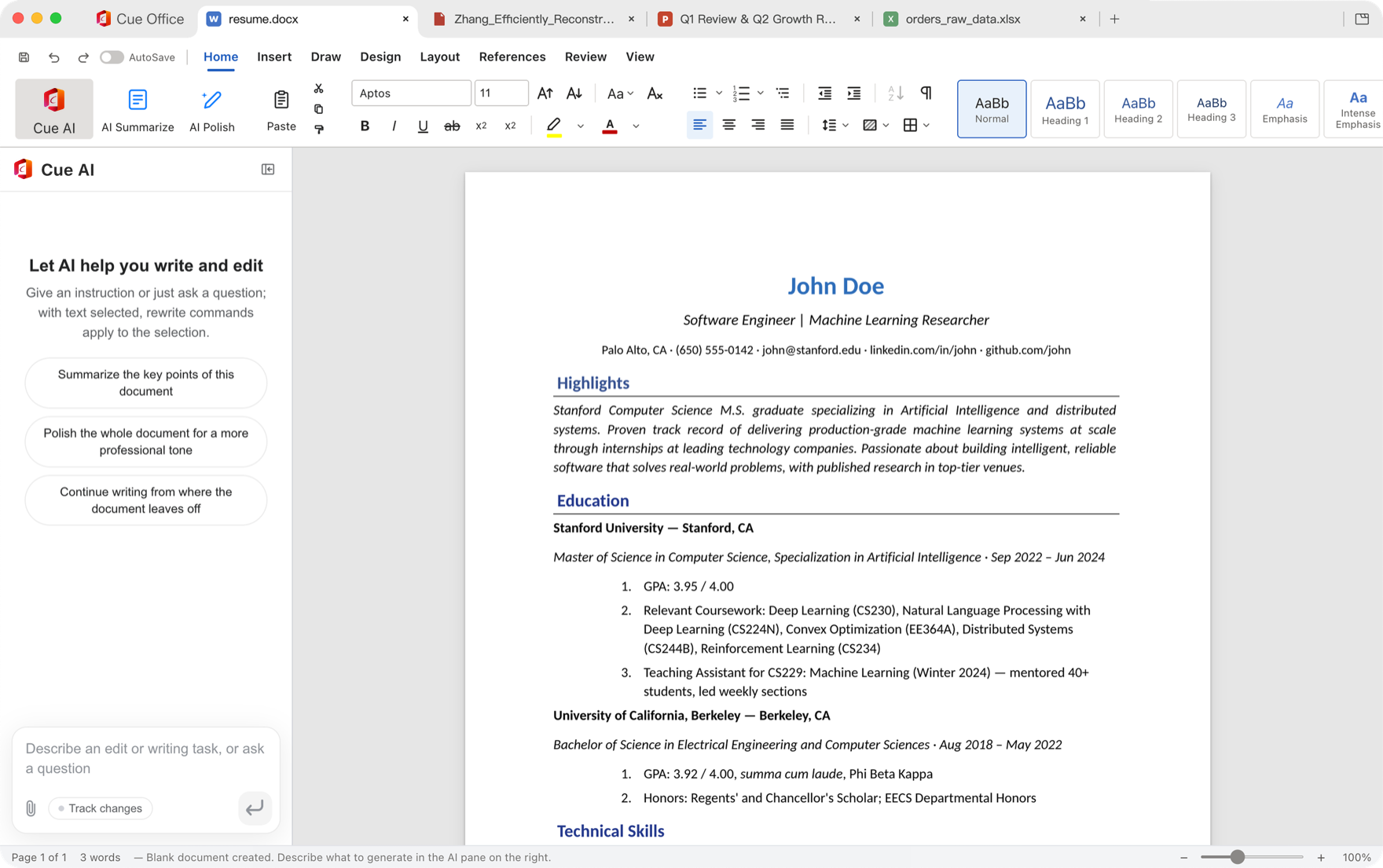

Docs
Write and format documents that stay compatible with Microsoft Word.
Docs, Sheets, Slides and PDF in one app that opens Word, Excel, PowerPoint and PDF files, with AI built into the document. Free to download, from the team behind Cue.
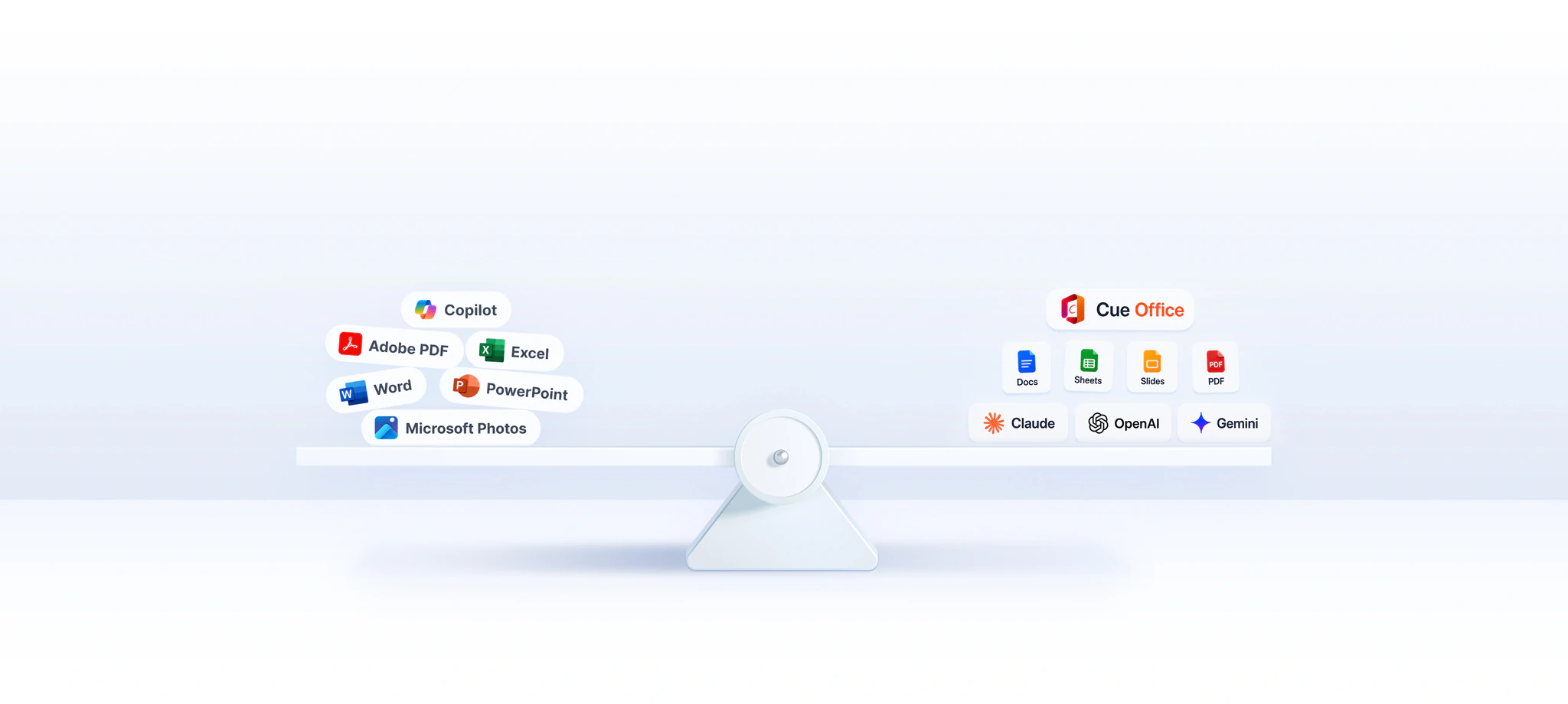
Docs, Sheets, Slides, PDF and photo tools, together in one app.
Write and format documents that stay compatible with Microsoft Word.
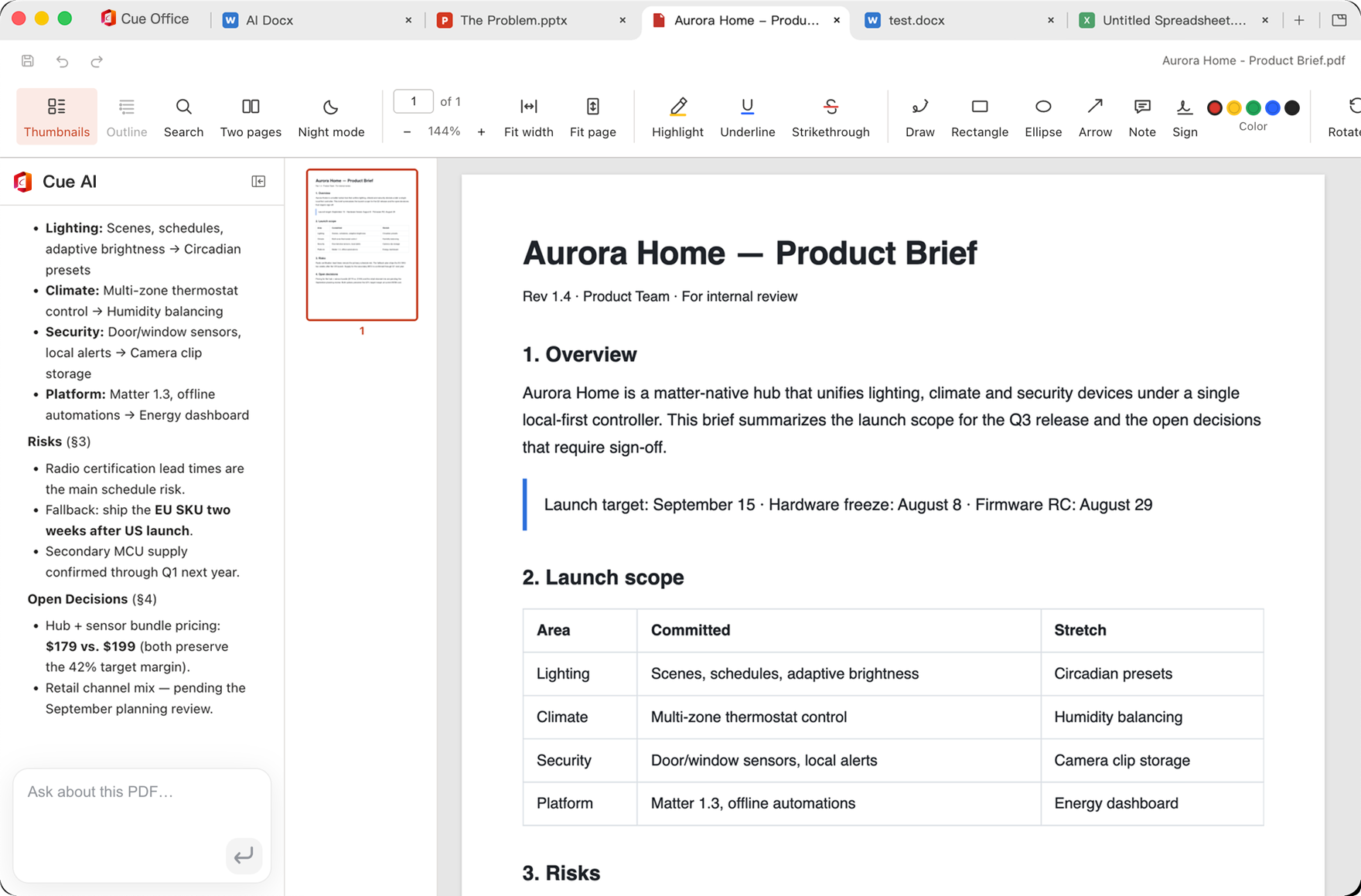

Read, edit, convert, sign and annotate PDFs, all in one place.
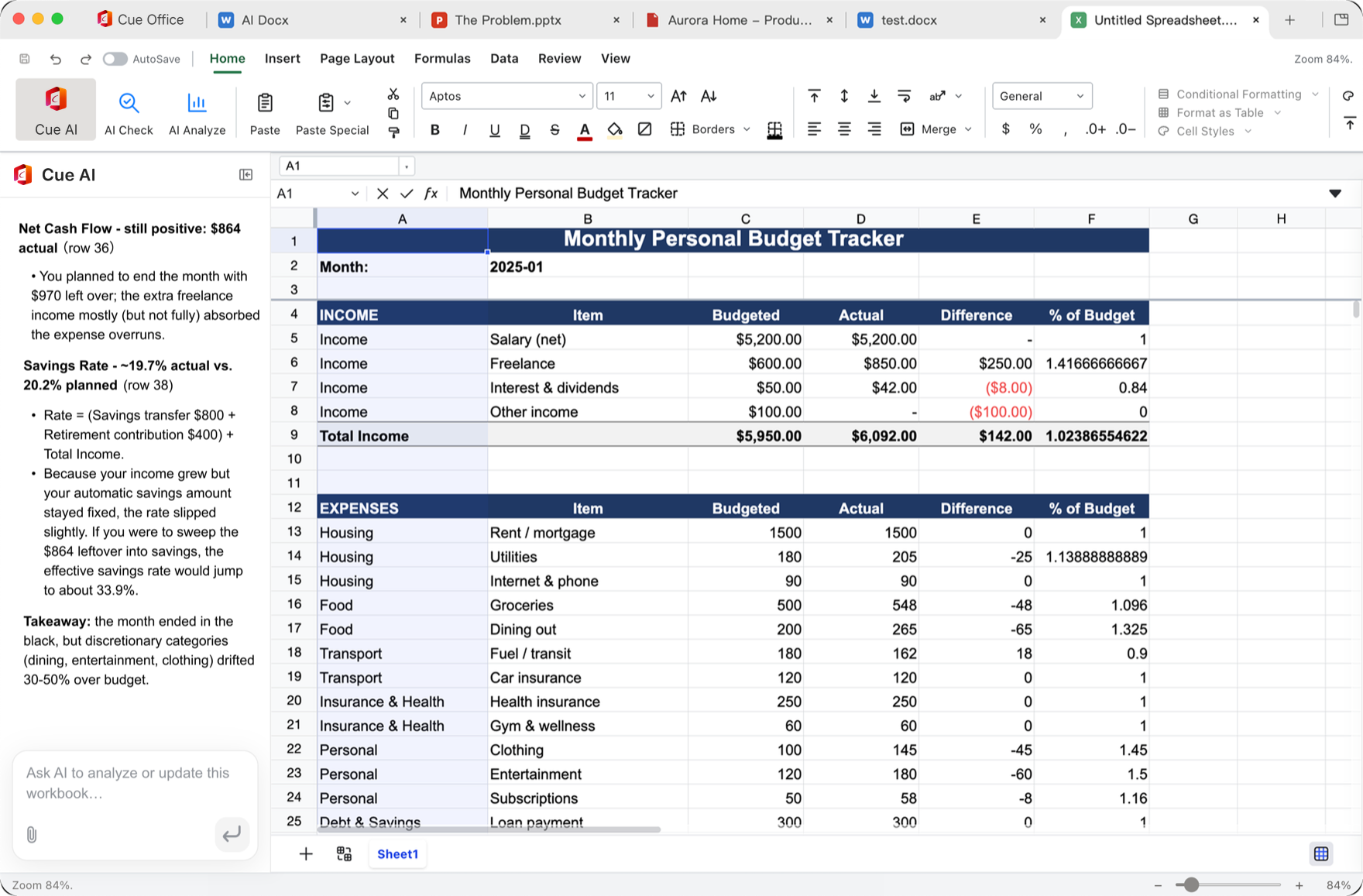

Crunch numbers with familiar formulas, charts and pivot tables.
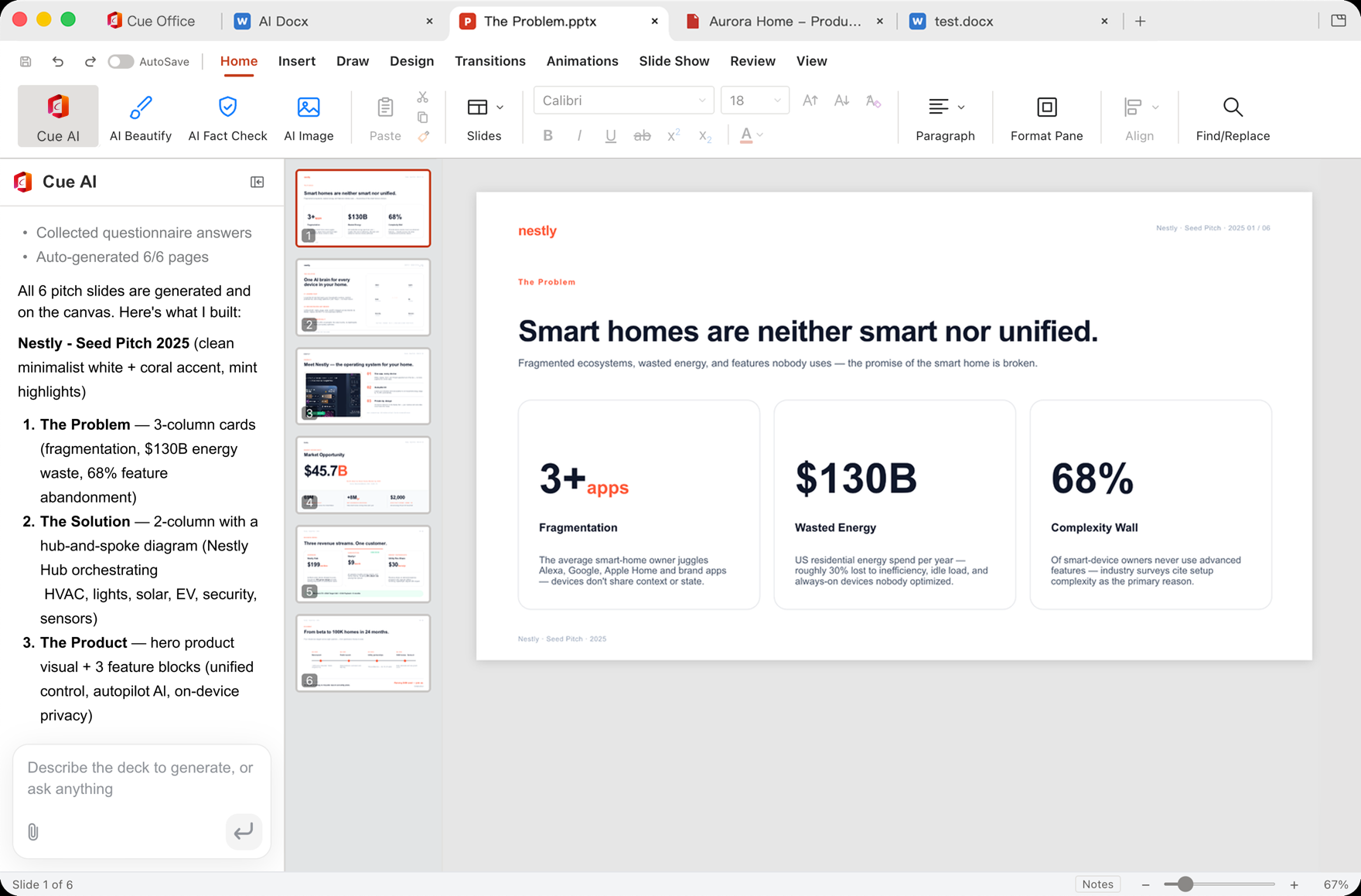

Design and present polished slides that stay PowerPoint-compatible.


Crop, annotate and refine images right inside your documents.
The Docs, PDF, Sheets and Slides screenshots show Cue Office on macOS, from cueoffice.ai. Select one to open it at full size.
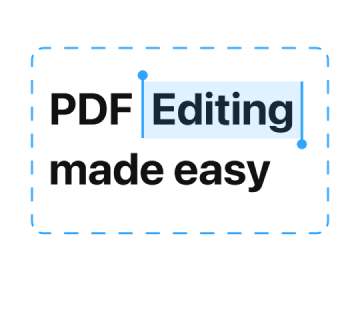 Edit PDFs
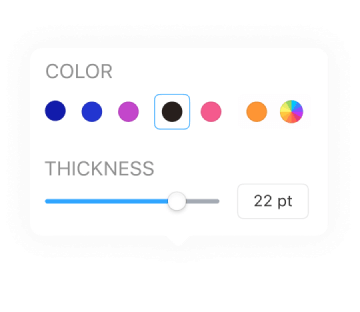 Annotate PDFs
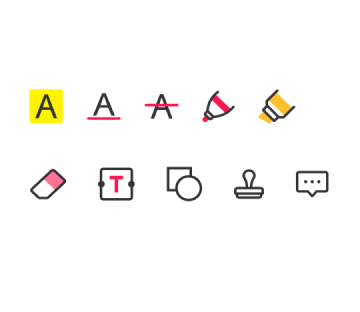 Markup and take notes
 Convert PDFs
 Sign PDFs
 Comment on PDFs
 Add images
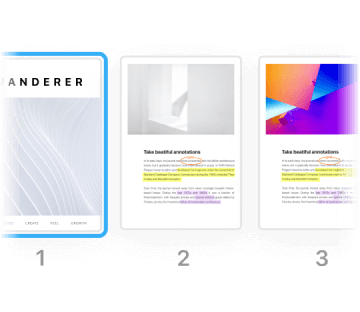 Manage pages
 Merge PDFs
 Recognize text (OCR)
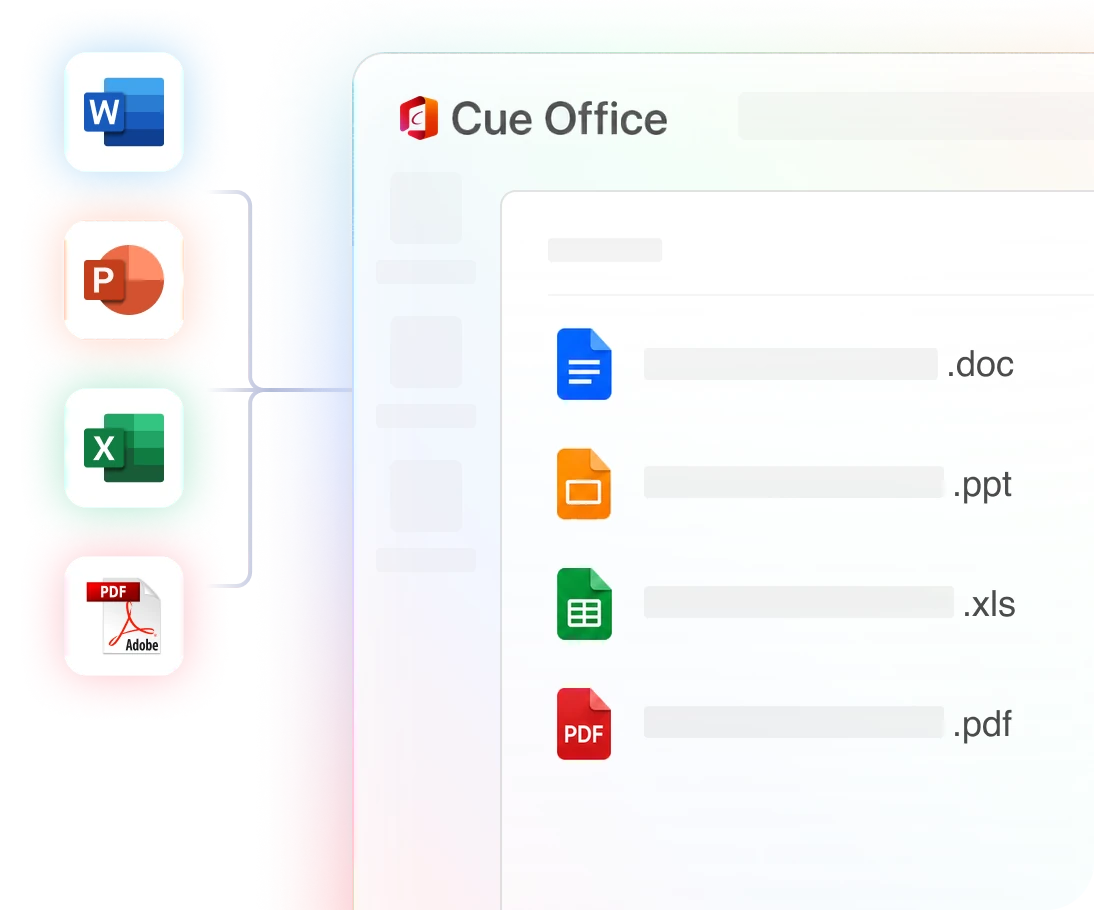
Open, edit and save .docx, .xlsx, .pptx and .pdf files. Fonts, formulas and layouts carry over in both directions.

Cue Cloud keeps your documents in sync across Windows, Mac, mobile and web. Start on your laptop, finish on your phone, collaborate in real time.
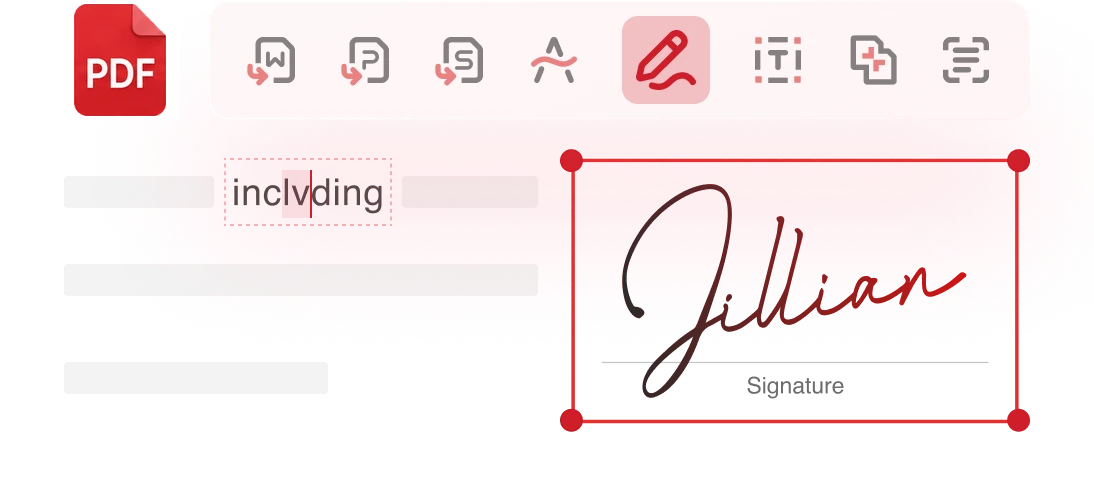
80+ tools for editing, converting, merging, OCR and signing, plus AI that reads, summarizes and answers questions about any PDF.
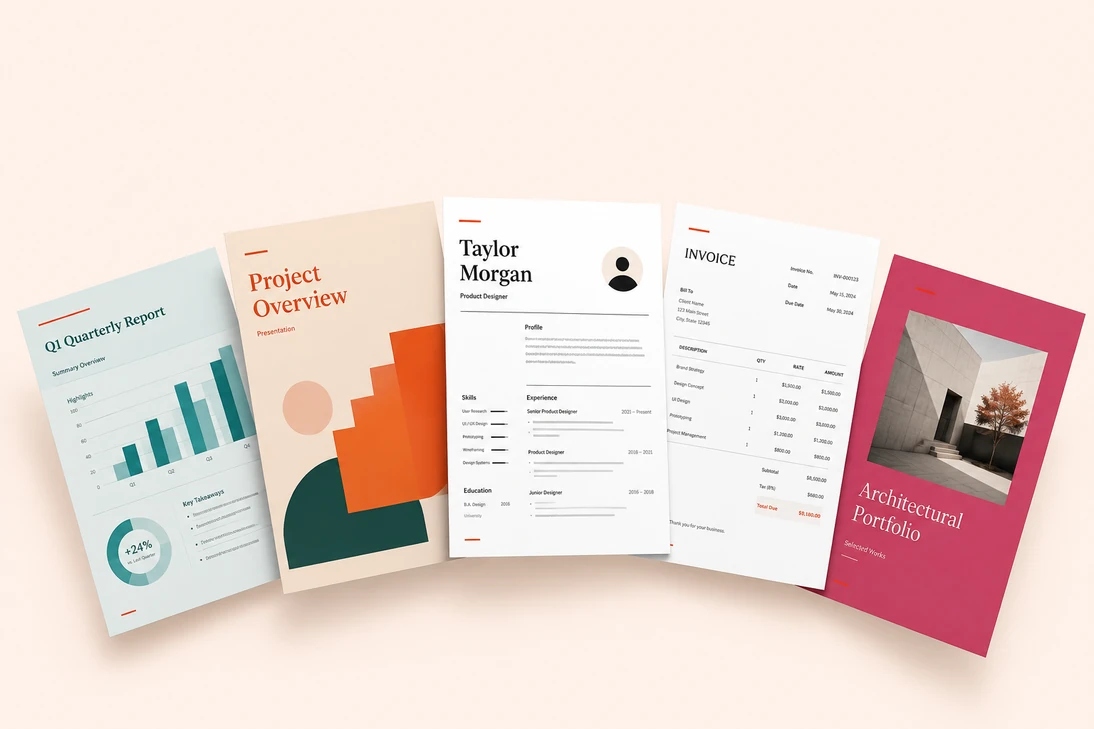
100,000+ professional templates for documents, spreadsheets, slides, PDFs and resumes, or let AI build one for you from a single sentence.
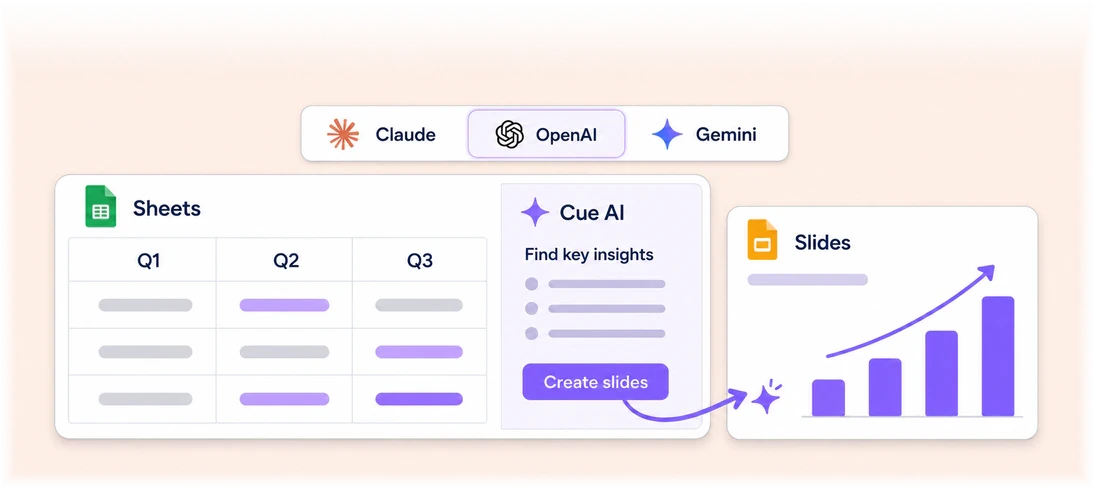
No copy-pasting into a chatbot. Cue AI drafts, rewrites, translates, builds formulas and turns notes into slides without ever leaving your file.
cueoffice.ai compares these rows with Microsoft Office, Google Workspace and Adobe Acrobat. See the comparison on cueoffice.ai
The Cue Office terms say you retain the rights to your documents and other content.
The privacy policy says Sophon LLC does not sell your documents or use their contents for website advertising.
When you choose a cloud or AI feature, the content that feature needs may be processed by the service that provides it. Check the in-app notice before sending confidential material.
Features, figures and policy statements on this page come from cueoffice.ai, read on November 10, 2026.
Cue is the assistant beside your apps: speak a request and it works with the file on screen. Cue Office is where the document lives. Open the file in Cue Office, then use Cue on it with the guides below.
Both apps come from Sophon LLC. Cue Office is downloaded from cueoffice.ai; Cue is downloaded from this site.
Cue Office is free to download from cueoffice.ai. Its terms say some features or services require a separate purchase or subscription, and the site marks advanced PDF tools as Premium.
cueoffice.ai lists Windows, macOS, Linux, Android and iOS.
It opens, edits and saves .docx, .xlsx, .pptx and .pdf files.
Edit, annotate, convert, sign, comment, add images, manage pages, merge files and recognize text with OCR.
No. They are separate apps from the same team. Cue adds voice input and agent tasks beside the apps you already use, including Cue Office.
Free to download from cueoffice.ai.
Microsoft, Word, Excel, PowerPoint, Copilot, Google Workspace, Gemini, Adobe, Acrobat, Claude and OpenAI are trademarks of their respective owners. Cue Office is not affiliated with, endorsed by or sponsored by them.